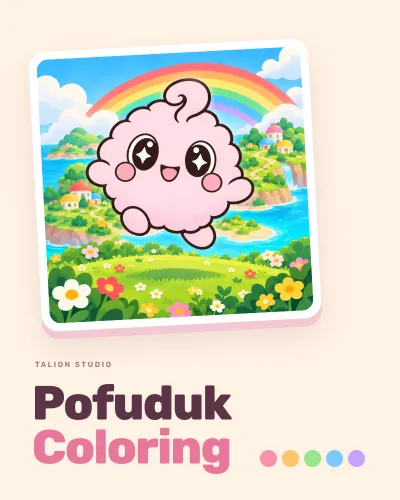
Tap, color, watch it come alive: fill each area of the picture with one tap, and when it is done the picture dances. Made for children who cannot read yet; no text on play screens, no losing.
Parents ask
- How do I open the parents' area?
- Tap the parents button on the home screen and tap the numbers given in words in order. The numbers change every time.
- A chapter I bought is not showing.
- Tap Restore purchases in the parents' area. You need to be signed in with the store account you bought it with.
- Does it need the internet?
- No. Only for purchases and restores.
- How do I save my child's picture?
- Open the picture in My gallery and tap share (behind the parental gate); you can save or send it from the device's share sheet.
Write to us
When reporting a problem, briefly describe what happened and your phone or tablet model. Please do not send personal information about your child.
Last updated: 28 October 2026